[♪ ♪ Upbeat Music]
[Logo]
Costco Wholesale. Benefits: Your Health. Your Wealth. Your Job. Icon: We’re in this together.
Narrator: Your health and the health of your family is a top priority at Costco. That’s why we are committed to providing you and your family with affordable benefits that help you receive quality care whenever needed.
Costco offers two dental plans– Network Dental and Choice Dental. Previously, Choice Dental was not available to employees who became benefit eligible on or after January 1, 2020. Starting in 2026, both Network Dental and Choice Dental will be available to benefit-eligible employees, regardless of your eligibility date. You can choose your dental plan during annual enrollment or after a qualifying life event.
What’s the difference between the two dental plans? Network Dental pays for covered dental care from in-network dental providers only. Choice Dental pays for covered dental care from dental providers both in and out-of-network. However, Network Dental offers higher maximum coverage at a lower cost per paycheck. Choice Dental offers the added flexibility of out-of-network coverage, but you may pay more.
[Graphic]
Dental plan costs per paycheck. Two bars measuring costs for Employee, Spouse or Domestic Partner, and Children, for both Network Dental and Choice Dental.
Dental plan rates won’t be changing in 2026. The cost for Network Dental per paycheck is $3 for the employee, $6 per spouse or domestic partner, and $3 per child, up to a maximum of $12 per paycheck. The Choice Dental cost per paycheck is $6 for the employee, $10 per spouse or domestic partner, and $6 per child, up to a maximum of $24 per paycheck.
Already seeing an in-network dentist but enrolled in Choice Dental? Both plans share the same large nationwide network of dental providers. That means you won’t have to change providers if you switch to Network Dental to save on out-of-pocket costs.
While both plans cover the same types of services, including preventive care, such as exams, cleanings, and x-rays, basic services, including fillings and extractions, major services such as root canals, crowns, and dentures, and orthodontia or braces, Network Dental has richer benefits.
[Graphic]
A table with columns Network Dental and Choice Dental. Two rows: Annual maximum benefit – Basic and major services. Network Dental: $2,500. Choice Dental: $2,000. Lifetime maximum benefit – Orthodontia. Network dental: $2,000. Choice Dental: $1,500.
Preventive services don’t count toward your annual maximum benefit. Orthodontic services have a lifetime maximum benefit instead, so they’ll pay this amount once. Network Dental’s higher maximums mean the plan can pay $500 more for basic and major services each year and $500 more towards braces. This means less money out of your pocket.
Another thing to consider is that while Network Dental covers composite or tooth-colored fillings for all teeth, Choice Dental only covers silver fillings for the back teeth. You’ll pay the difference if you want tooth-colored or composite fillings for the back teeth.
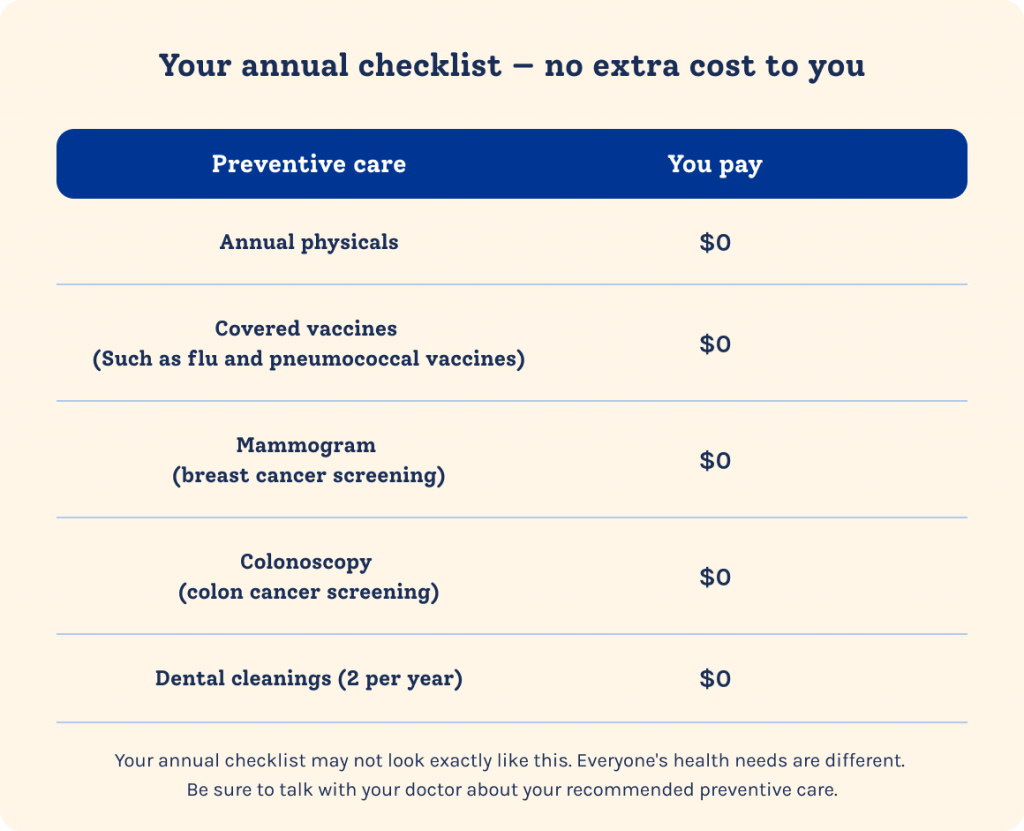
Both plans cover two in-network dental cleanings per year at no extra cost. And you can save even more by using an in-network dentist. You and your covered family members can each earn a credit of $50 towards your medical deductible and coinsurance when you get your first dental cleaning each year with an in-network dentist. If you’re enrolled in Choice Dental and get an out-of-network cleaning, you won’t receive the credit.
However, for the few locations that don’t have Network Dental, can still earn the credit with in and out-of-network dentists. Go to costcobenefits.com for a list of these locations.
Remember, if you’re on Network Dental, you must see in-network providers. You’re responsible for the full cost of services for out-of-network providers. If you’d like the option of seeing an out-of-network dentist, Choice Dental may be right for you. That said, out-of-network orthodontia is covered on both plans.
Also, out-of-network emergency care may be covered in certain situations with Network Dental. Refer to your summary plan description for more information. Which plan is right for you? Let’s take a look at the differences.
Network Dental pays for more in-network benefits at a lower cost per paycheck.
[Graphic]
White fillings on back teeth. Higher annual maximum. Higher orthodontia lifetime maximum. Lower cost per paycheck.
Choice Dental offers out-of-network coverage, but you may pay more.
[Graphic]
Out-of-network orthodontia & emergency care, Out-of-network preventive, basic, & major services,
Choose your dental plan for 2026 on the enrollment website at costcobenefits.com during annual enrollment or whenever you have a qualifying life event.
[Graphic]
Text: Annual Enrollment is November 1st through the 25th. Choose your dental plan on the enrollment website at Costco benefits dot com.
Have questions or need help finding an in-network dentist near you? Visit aetna.com or call 800-218-1458 to reach the Aetna dental team. Thanks for watching. And remember, we’re in this together.
[Logo]
Costco Wholesale. Benefits: Your Health. Your Wealth. Your Job. Icon: We’re in this together.
[♪ ♪ Upbeat Music]